
Triangular stamp templates

Why use a triangular stamp?
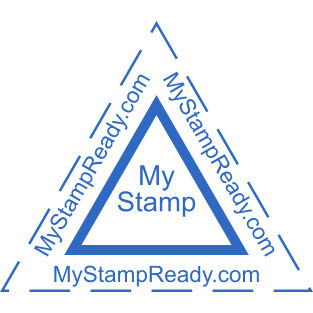
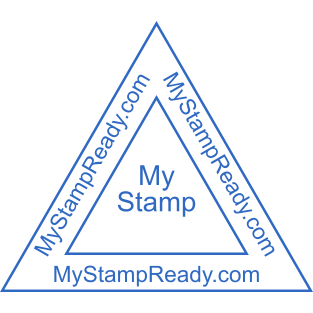
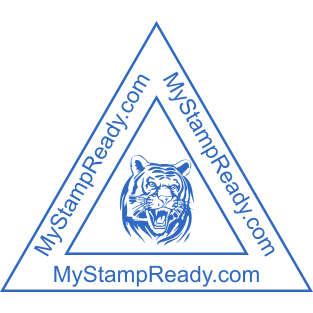
In such seals, the angle between any two sides is equal to 60°. The lines of text are usually placed parallel to the edges. These seals are suitable in various fields, for instance:- technical control;
- archives;
- and accounting.
How do I choose a triangular stamp template?
When creating a design for a triangular seal, consider the following useful information:- The maximum size of the side can be rather large. But the most widespread variety of the design is a triangular with a side length of about 45 mm.
- Stamp structure. That kind of seal can have multiple outlines.
- If you need a custom triangular stamp design, you can create it using the online Mystampready constructor.
Frequently Asked Questions
How can I create a stamp online?
You can create a stamp using our online tool and stamp creator online. The maker enables everyone to create a unique stamp or company stamp. Just choose a stamp, select a stamp template or rubber stamp template, and start your design process. Our design maker and custom stamp designer allow you to create a digital stamp, ink stamp, or address stamp that perfectly fits your needs. Simply add your logo, pick a stamp format, and download your stamp in PNG with a transparent background — or ship physical stamps anywhere.
Can I personalize and customize my design?
Yes! You can create your custom stamp or make your stamp with full customization options. Choose from rubber stamp design templates, design templates, and stamp logo design ideas. Our design maker helps you design your custom round stamps, date stamps, notary stamps, or company seals. You can template and customize, personalize each detail, and help you design a custom stamp design or seal design that matches your business logo and unique design.
How can I make my own stamps?
Creating a layout is possible with a graphic editor on www.mystampready.com. The intuitive interface is simple to use. After downloading the file with a sketch, order a production of seal: made of plastic, metal, or wood.
Is there a free option to make a stamp?
Yes, you can make stamp online with our online free rubber stamp maker. The maker free plan lets you create a rubber stamp, create stamps, or make a stamp using ready design ideas and choose a design from our stamp logo generator. You can create a custom stamp for your business, press the stamp digitally, and even design a free stamp before ordering a custom stamps online version. High stamp quality and easy customization make it the best way to create the stamp you want.